
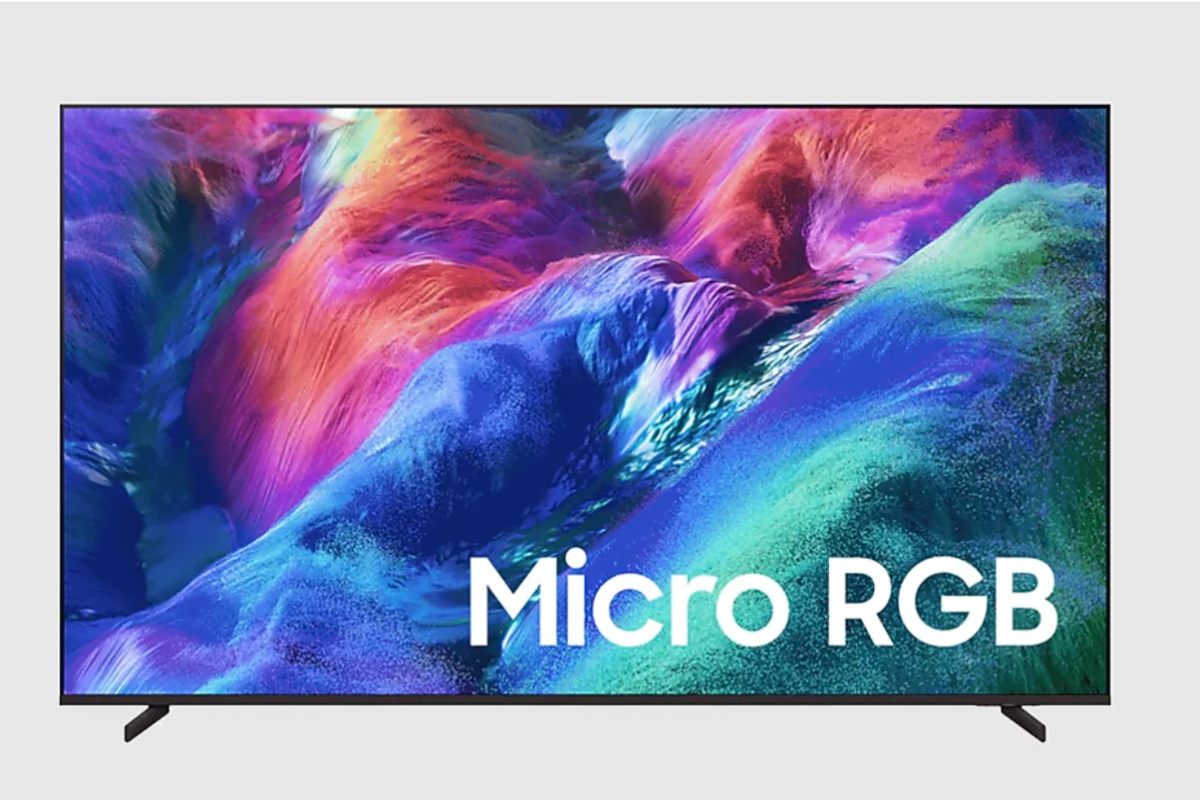
A big screen doesn’t always translate to bigger electricity bills if you know how to choose the right option. If you plan to buy a new TV soon, this beginner’s guide will take you through everything that matters when choosing a 65-inch TV for your home.
Learn how to read Energy Star ratings correctly, compare how much power a TV actually uses, choose the right screen size for your room and understand the key differences between different panels to make the right purchase.
Why TV Electricity Use Matters
Small Watts Add Up
TVs may not seem like key energy consumers, but watching them for hours every day adds up to the final bill. For example, the annual consumption of a TV set that operates at 100 watts for five hours every day is around 182 units. To get the actual cost of operation, multiply that number by the current price.
Size Also Impacts the Bill
Larger TV sets usually use more electricity when compared to smaller ones. So, instead of randomly choosing the biggest TV screen you can find, pick a size that fits your room and keep the correct distance between your seats and your entertainment unit.
Habits Matter Too
Small everyday routines are the most effective way to preserve power without paying any additional costs:
Switch the TV off when nobody is watching.
Skip overly bright vivid picture modes.
Turn off standby using a power strip.
Calculate Yearly Cost
Use a simple formula: watts multiplied by daily hours, multiplied by 365, divided by 1,000. The answer is yearly units. Before you buy, compare that number between types because the best TV price isn’t always the cheapest to run.
Reading Star Ratings Properly
What Stars Tell You
More stars generally mean a TV is more efficient than similar products. Look for the star label in the website description, since it is the quickest way to shortlist efficient options online.
Stars Can Mislead
Stars are adjusted for screen size, so a 65-inch TV can earn the same stars as a 32-inch model while using more power. Don’t compare stars between models of different screen sizes. Compare only models of the same screen size.
Check the kWh Figure
The yearly kWh number is the practical figure. Lower means cheaper running. Multiply it by your per-unit electricity rate to estimate annual cost and compare two similar models before deciding which one is worth buying.
Look for Certification
When a TV earns ENERGY STAR certification, it means it passed efficiency tests. Certified sets are usually about 25% more efficient than normal. The logo can help you get started, but you should use the model’s real numbers to be sure.
Power Consumption: Explained
Watts Versus Units
Watts show how much power a TV draws at one moment. Units or kWh, show total use over time. Watts are like speed and units are like distance travelled. The total distance travelled affects your electricity bill.
Find the Numbers
On-mode watts while watching
Standby watts when switched off
Yearly kWh consumption
Star rating for that screen size
Comparing any 65-inch TV is quick, fair and easy if you have accurate numbers.
Standby Still Costs
Many smart TVs keep using power when switched off, through quick-start and network features. Check the standby time. If you can, turn off quick-start and use a split power strip to make sure that everything turns off completely every night.
Brightness Drives Power
Brightness is the most important power setting. You can save electricity without hurting the picture by turning it down until the whites still look clean. To save power, do not use vivid or dynamic presets. They look cool but don’t contribute much to the viewing experience.
Choosing Screen Size and Display
Pick the Right Size
Check the space between your TV and your seating area before you go shopping. A 65-inch TV in a medium-sized living room may seem cluttered. Matching size to space saves money on screen space you won’t utilise.Size Best Room Ideal Distance Best For 32 inch Bedroom, kitchen 4–6 feet Budget, small spaces 43 inch Medium living room 4–6 feet Daily use, apartments 55 inch Large hall 6–8 feet Movies, sports, family
LED and QLED
Both standard LED and QLED TVs use a backlight, so power levels are closely tied to screen size and brightness. They are usually pretty cheap and easy to find. They are also the TV options when it comes to value for most everyday family viewing and live cricket matches.
Mini LED Benefits
A lot of small LED sets can control the light, so dark scenes use less backlight. That can cut energy use during films and TV shows, but brighter rooms can still increase total consumption noticeably.
OLED and HDR
In dark scenes, OLED and HDR OLED turn off individual pixels to save power. Bright HDR content, on the other hand, can sharply boost its draw, sometimes even doubling it. If you like bright films or long console game sessions, check out both the standard and HDR figures.
Smart Buying Checklist for Beginners
Decide Your Priority
Choose what is most important to you. Better picture quality, lower bills or both. For most families, the best TV is a mid-range model that works well and has good brightness control, not the most expensive one. Extras that aren’t necessary rarely pay for themselves over time.
Use Smart Settings
Look for these built-in features:
Eco mode: Automatically dims the backlight and brightness.
Ambient light sensor: Adjusts the screen in changing room light.
Sleep timer: Switches the set off if you forget.
Standby control: Lowers power use in the background at night.
Set Two Picture Modes
Set one mode to be moderately bright during the day and another to be less bright for movies at night. Toggling between them only takes seconds and keeps the picture quality bright while reducing the amount of electricity that is consumed during daytime cooking and news shows.
Conclusion
Buying a 65-inch TV does not have to raise your power bill. Look at the number of stars for models in the same size category, compare yearly kWh usage and weigh models with strong eco modes and brightness adjustments more heavily.
Match the screen size to your room, choose the right panel for everyday use and make simple habits, like turning the TV off completely, a part of your routine for a smooth viewing experience without high power bills.
Ground Report. No journalist is involved in creating branded material and it does not imply any endorsement by the editorial team. Ground Report Digital LLP. takes no responsibility for the content that appears in branded articles and the consequences thereof, directly, indirectly or in any manner. Viewer discretion is advised.
Support us to keep independent environmental journalism alive in India.
Stay connected with Ground Report for underreported environmental stories.