Lighting is the ultimate make-or-break element in photography. Even if everything else – positioning, expression, pose, and composition – seems great in your photo, the right lighting will elevate it, and the wrong one will destroy it.
With the help of a special AI avatar generator, relighting allows you to completely rethink the way your avatar is illuminated, creating a unique atmosphere or story out of a single prompt.
If there is something about the look of your avatar that bothers you and you want it improved, relighting will do the trick.
Why lighting matters more than filters
The difference between filters and lighting is that filters change color, but lighting determines the form. Lighting influences how your facial features will be represented, how shadows will fall on your face, and overall realism.
Correct lighting will help you achieve:
. Face contours and depth
. Facial features definition
. Desired mood of the photo
. Relighting can be transformational.
Lighting challenges in avatars
Understanding the common flaws in your lighting is helpful when you want to make changes. Here are some of the most common issues in avatar photos:
. Unnatural shadows
. Too flat and boring lighting
. Overexposure in some areas
. Lifeless colors
With the help of AI relighting, you can create a new lighting scheme for your image.
Turning relighted avatars into artistic visuals
If you’ve got your lighting balanced, there’s more creative potential left to explore. A free AI art generator will help you turn your relighted avatar into artistic images that incorporate lighting and other effects.
Some possibilities include:
. Turning photos into artworks
. Creating stylish social media posts
. Making striking profile images
The lighting sets the stage for greater creativity.
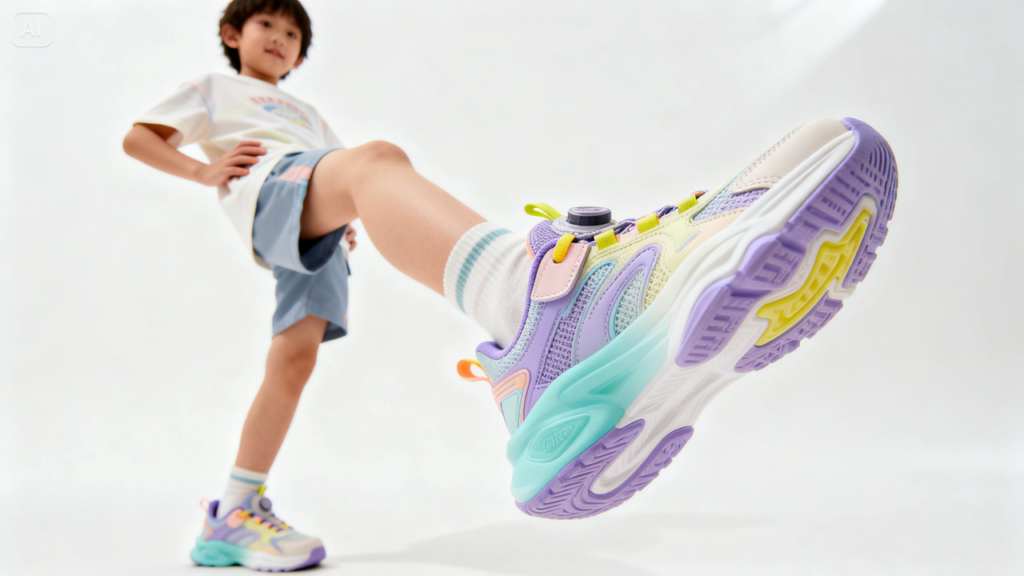
The AI relighting process explained
Unlike other photo editing tools, AI relighting does not apply simple effects. Instead, it creates a whole new lighting environment that looks realistic and natural.
That means you will be able to:
. Choose the direction of light
. Make light more dramatic
. Create studio lighting conditions
It is easy to get professional-looking photos without leaving your house.
Lighting styles to use creatively
AI relighting technology is not only about fixing mistakes. You can also experiment with various moods and atmospheres. For example, you can choose different kinds of lighting schemes for your avatar photos.
Here are some examples:
. Soft light
. Side light
. Golden light
. Cool light
You will see how each style changes the atmosphere of your image.
Relighting for branding and visual identity
One thing that will greatly contribute to your brand is consistency in your visuals. Both when developing your own brand or the visual identity of your company, you have to maintain consistency.
In this case, a free AI logo generator can be of great help, as it will allow you to create visuals to reflect the lighting used in your images.
This is particularly helpful for:
. Personal brands
. Portfolios
. Brand marketing materials
Relight like a pro with Dreamina
Relighting is made easy with Dreamina by allowing you to describe your ideal lighting setup rather than manipulating sliders. You can create realistic, dynamic, or creative lighting setups in just a few minutes.
Step 1: Describe your text prompt
Go to Dreamina and describe your text prompt with a focus on the description of the avatar you want and the type of lighting you need.
Such a prompt: Relight this image in the studio lighting from the left side with shadowing on the right side of the face, warm tone, smooth texture of the skin with perfect lighting, highlight and shadow balance.
Step 2: Set parameters and generate results
Pick the right model for better quality generation. Pick an aspect ratio you need, such as the portrait for avatars. Set the size and resolution to 1k or 2k. Click the Dreamina icon to generate.
Step 3: Edit and download
Edit your photo with Dreamina’s features. Edit lighting areas using inpaint, use expand to experiment with new layouts, remove any unnecessary parts from the image, and retouch them to improve texture. Finally, hit the Download button to get the finished result.
Tiny touches that will make all the difference
Despite using AI, little things still count in making your results perfect.
Pay attention to:
. Keeping the light source in the same direction
. Not over-lighting some areas
. Preserving realistic skin colors
This will create the impression of a professional touch.
Using lighting in combination with the background
Lighting takes a completely new meaning when used with the appropriate background.
You may choose to:
. Combine a warm color scheme with an indoor photo
. Apply cold lighting in a modern setting
. Introduce dramatic lighting with a scenic backdrop
Using relighted avatars in video creation
The relighted images may also be the base for video clips. With help of an AI video generator, it will be possible to generate video outputs using text prompt or reference images with your avatar in a variety of lighting conditions.
It could be your avatar with soft studio lighting on him/her or under a spotlight. It would be enough just to use an AI video generator to produce video outputs based on text prompts or images only.
It is a convenient option for making videos out of visuals.
Trying out moods and storytelling through lighting
Lighting is one of the most efficient ways to tell a story in visual design. Different lighting gives rise to different moods of the same character.
For instance, it could be:
. Light and airy lighting to convey happiness and positivity.
. Low-key lighting to evoke some mystery.
. High key lighting to show drama.
In all cases, we would see another take on the same image.
Maintaining realism in your editing
Although there is a temptation to try new things, moderation is the answer.
For the sake of realism:
. Do not have extreme differences in lighting
. Make sure that the shadows appear real
. Ensure the highlights do not overtake the details
Often, realistic editing will feel more professional and attractive.
Conclusion: Relight avatar pictures with Dreamina to bring out their full potential
Lighting up avatars is an easy task nowadays with the right software. Dreamina allows you to redesign your lights easily and make a drab image vibrant and interesting.
With a lot of options, you will be able to make any changes you wish, from minor adjustments to big changes. It’s time to take advantage of the opportunities.
Disclaimer: This content is branded and does not reflect the views or opinions of Ground Report. No journalist is involved in creating branded material and it does not imply any endorsement by the editorial team. Ground Report Digital LLP. takes no responsibility for the content that appears in branded articles and the consequences thereof, directly, indirectly or in any manner. Viewer discretion is advised.
Support us to keep independent environmental journalism alive in India.
Stay connected with Ground Report for underreported environmental stories.